Trigger Settings#
Scan Mode#
Common Scan Modes#
Key Hold#
In Button Hold Mode, press and hold the button to scan. Releasing the button, a successful decode, or expiration of the Decode Timeout ends the scan session.
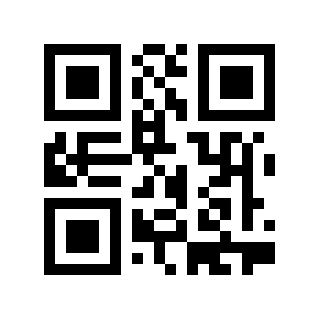
Key Hold#
Single Button Trigger#
In Single Button Trigger Mode, press the button to start scanning. Releasing the button does not stop scanning; the scan session ends after a successful decode or when the Decode Timeout expires.
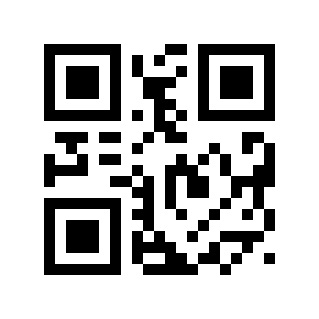
Single Button Trigger#
Continuous Mode#
Once configured, the Scan Engine starts scanning immediately without a trigger. After a successful decode or when the Decode Timeout expires, it waits for the Scan Interval and then automatically starts the next scan session.
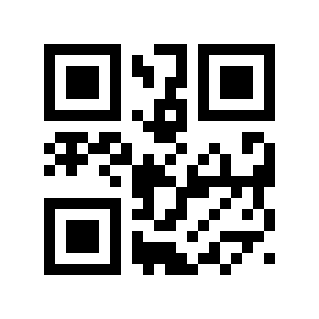
Continuous Mode#
Presentation Mode#
In Presentation Mode, the Scan Engine monitors ambient brightness and starts scanning when the brightness changes. The scan session ends after a successful decode or when the Decode Timeout expires, after which ambient-brightness monitoring resumes.
Presentation Mode#
Sensitivity#
Sensitivity refers to the degree of detection of scene changes in sensor reading mode. When the Scan Engine determines that the scene change degree meets the requirements, it will switch from the monitoring state to the reading state.
* High Sensitivity# |
Medium Sensitivity# |
Low Sensitivity# |
Image Stabilization Duration Setting#
The image stabilization time refers to the time that the Scan Engine that detects scene changes needs to wait for the image to stabilize before reading the code in the sensor reading mode. The image stabilization time setting range is: 0-65535ms, and the default value is: 300ms.
Scan the “Stabilization Duration” Parameter Barcode
Image Stabilization Time#
Scan the “Numeric Barcode”. For example, if the duration is 100ms, scan 1, 0, 0; if the duration is 1005ms, scan 1, 0, 0, 5
Scan the “OK” Parameter Barcode to complete the setup.

Sure#
Quick Setting Of Image Stabilization Duration#

100ms# |
200ms# |
*300ms# |
400ms# |
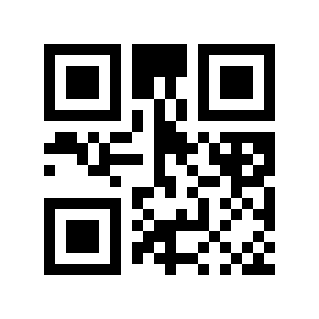
500ms# |
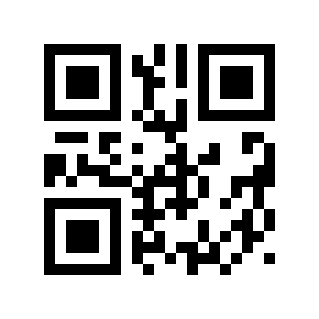
1000ms# |
Command Trigger Mode#
Use host commands to start or stop scanning by the Scan Engine. A successful decode or expiration of the Decode Timeout ends the scan session. For command details, refer to the product command documentation.
Note
Trigger And End Commands Are Valid In Any Mode
Special Scan Modes#
Screen Fast Mode#
This special-purpose mode is not available in standard product versions. It is intended for applications that require rapid decoding of barcodes displayed on screens. Contact the supplier if you need this mode.
High-Speed Scan Mode#
This special-purpose mode is not available in standard product versions. It is intended for rapid decoding of barcodes on paper by fixed-mount Scan Engines, Presentation Scanners, and similar products. Contact the supplier to enable this mode.
Single Reading Time#
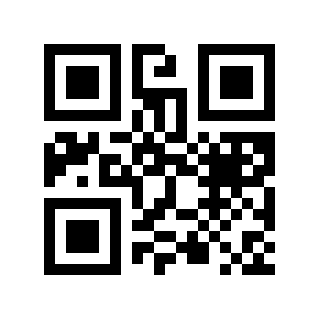
The duration of a single code reading refers to the longest reading attempt time allowed after triggering the reading and failing to read successfully. When this time is exceeded, the reading state will be exited. The range of single code reading time is: 0-65535ms, default: 5000ms.
Single Reading Time Setting#
Scan the “single reading time” Parameter Barcode
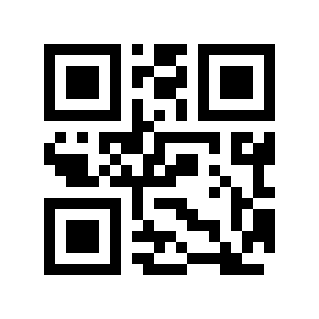
Single Reading Time#
Scan the “Numeric Barcode”. For example, if the duration is 100ms, scan 1, 0, 0; if the duration is 1005ms, scan 1, 0, 0, 5
Scan the “OK” Parameter Barcode to complete the setup.

Sure#
Quick Setting Of Single Reading Time#
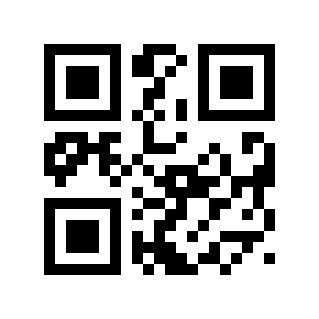
0ms (infinite Time)# |
1000ms# |
2000ms# |
3000ms# |
*5000ms# |
10000ms# |
Same Symbol Timeout#
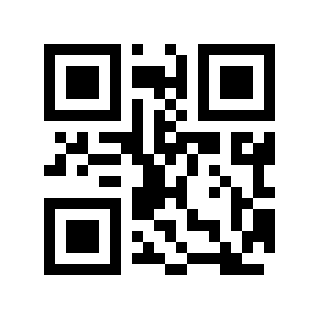
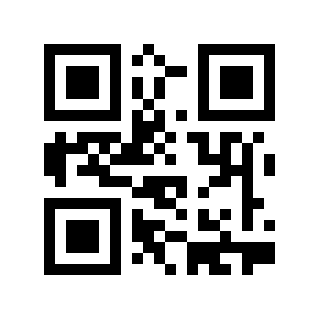
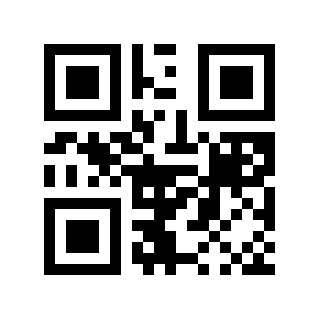
To prevent repeated reads in Continuous Mode and Presentation Mode, the Scan Engine rejects the same barcode until the Same Symbol Timeout has elapsed. Range: 0-65535 ms. Default: 0 ms.
Same Symbol Timeout Setting#
Scan the “Same Symbol Timeout” Parameter Barcode
Same Symbol Timeout#
Scan the “Numeric Barcode”. For example, if the interval is 100ms, scan 1, 0, 0; if the interval is 1005ms, scan 1, 0, 0, 5
Scan the “OK” Parameter Barcode to complete the setup.

Sure#
Same Symbol Timeout Quick Settings#
\* 0ms# |
100ms# |

300ms# |
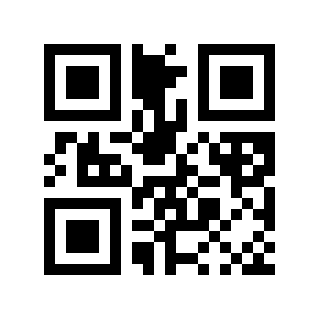
500ms# |

1000ms# |
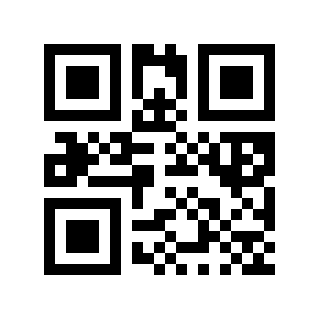
3000ms# |
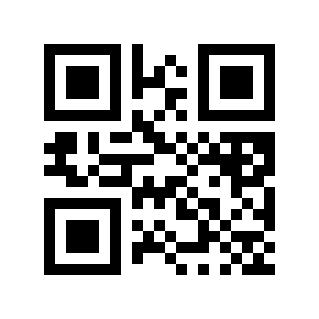
5000ms# |
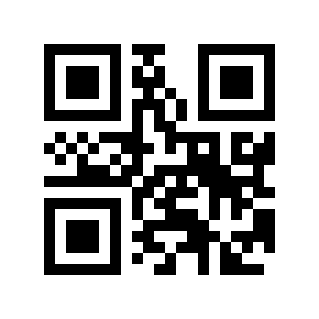
10000ms# |
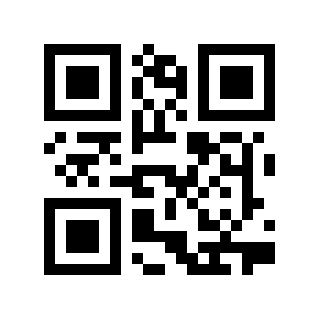
Infinite Delay (do Not Read The Same Code)# |
Reading Interval Time#
The interval between two readings in continuous mode. Regardless of whether the last reading was successful or failed, it will automatically enter the next reading after this time. This setting mainly applies to continuous mode
Default: 500ms, range: 0-65535ms
Reading Interval Setting#
Scan the “Reading Interval Time” Parameter Barcode
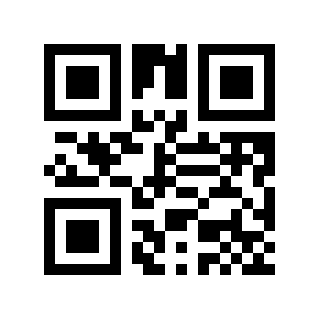
Reading Interval Time#
Scan the “Numeric Barcode”. For example, if the interval is 100ms, scan 1, 0, 0; if the interval is 1005ms, scan 1, 0, 0, 5
Scan the “OK” Parameter Barcode to complete the setup.

Sure#
Quickly Set The Reading Interval Time#

0 ms# |
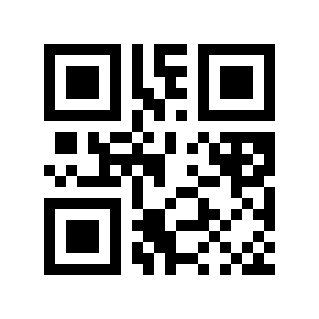
*500ms# |
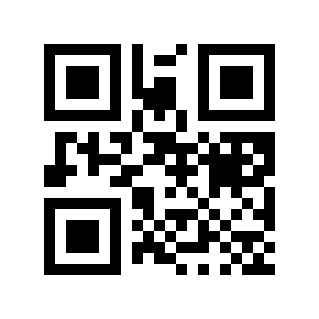
1000ms# |
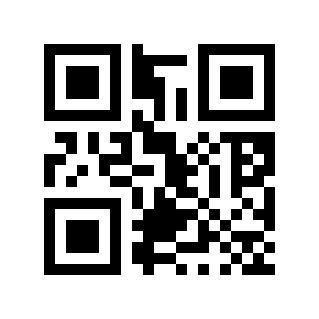
2000ms# |
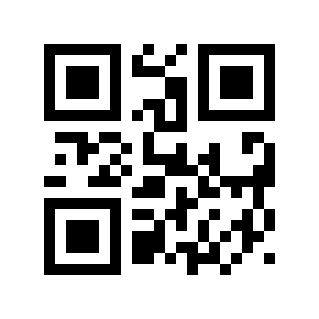
5000ms# |
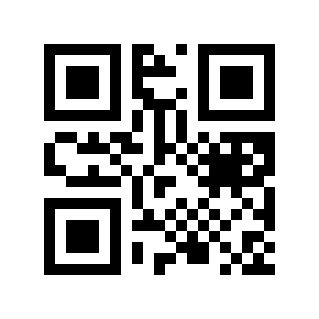
10000ms# |